
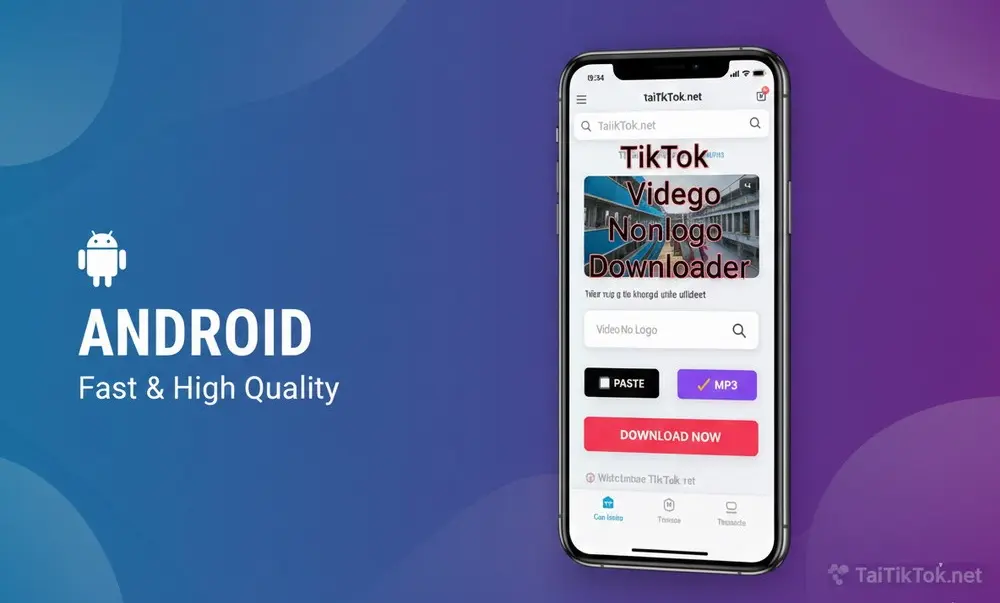
Are you looking for a way to save your favorite TikTok videos directly to your Android gallery without that annoying watermark? At TaiTikTok.net, we’ve built a specialized tool for Android users that is fast, free, and requires no app installation. Whether you use Samsung, Pixel, or Xiaomi, this guide is for you
Step-by-Step Guide for Android Users
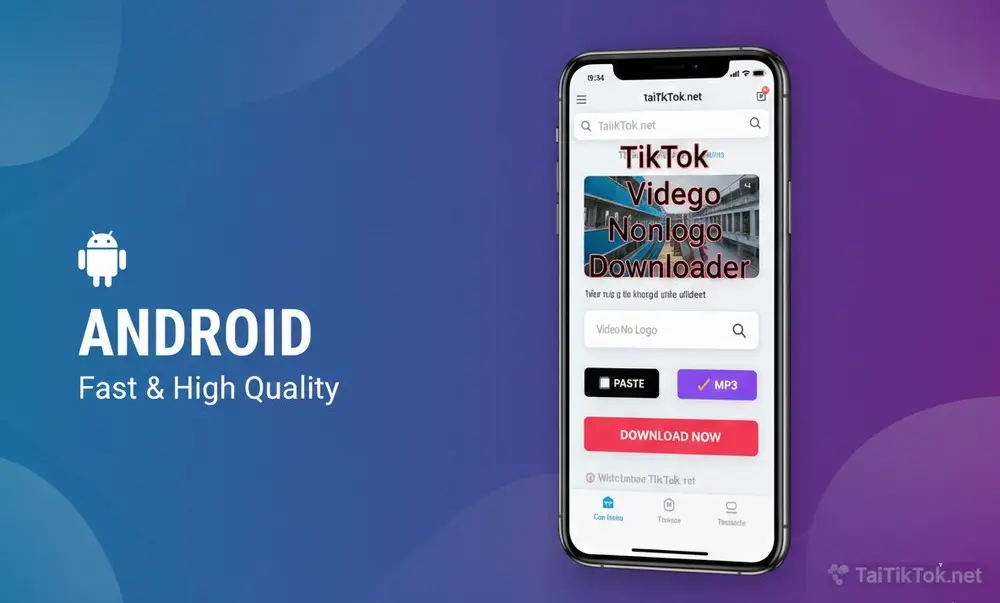
Step 1: Copy Video Link. Open TikTok, tap ‘Share’ and click ‘Copy Link’.
Step 2: Visit TaiTikTok.net. Open Google Chrome on your phone and go to our website.
Step 3: Paste & Download. Paste the link into the box. Press the Video No Logo button. You’ll notice the smooth depressed effect on our buttons, confirming your download has started.
Step 4: Save to Gallery. The file will be saved in your ‘Downloads’ folder. You can find it instantly in your Google Photos or Files app.
Why you should use TikTok on Android
Unlike many apps on the Play Store that contain heavy ads or malware, these can efect your moblie while you download TikTok videos or MP3 without watermark, TaiTikTok.net is a web-tool. Our 3-layer interface is ultra-lightweight, ensuring it won’t slow down your mobile browser while providing the highest HD quality.
Frequently Asked Questions (FAQ)
Q: Where are TikTok videos saved on Android after downloading?
A: After you click the Video No Logo button, the file is usually saved in your device’s Downloads folder. You can access it via the ‘Files’ app or your ‘Gallery’ under the ‘Restored/Downloads’ album.
Q: Do I need to pay to use TaiTikTok on Android?
A: No, our tool is 100% free. You can download unlimited videos without any hidden costs or registration.
Q: Can I download TikTok videos in 4K or HD quality?
A: Yes, TaiTikTok.net fetches the highest possible resolution available from the original TikTok server, ensuring you get clear, crisp videos for your Android screen.
Q: Is it safe to use TaiTikTok on my phone?
A: Absolutely. Since TaiTikTok is a web-based tool running in your browser (Chrome/Edge), you don’t need to install any risky APK files, keeping your Android device safe from malware.
